
RELEASE NOTES
Digital Trading Cards: Refreshed Themes and a New Card Builder
Digital Trading Cards just got five redesigned themes and a rebuilt card editor — still auto-filled from your campaign, so there’s nothing to design from scratch.
Published June 30, 2026 • 2 min read
← Back to Blog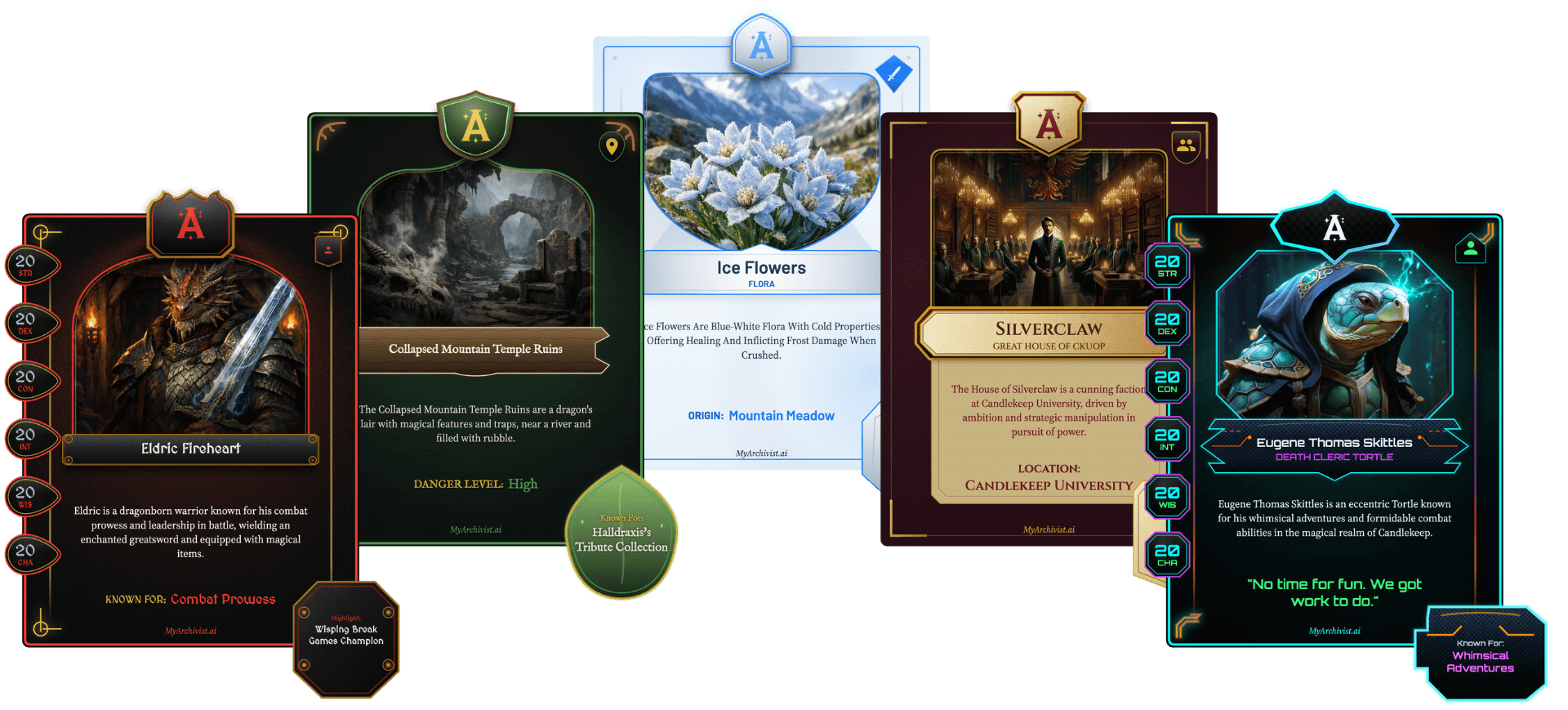
Watch the Tutorial
Need the full workflow? Watch the 8:28 Digital Trading Card tutorial or jump to the step-by-step documentation.
How It Works
Open any entity and select Create Digital Trading Card.
Characters, factions, items, and locations are all supported. It needs an image, which becomes the card portrait.
Choose a theme.
Five designs built for fantasy, from aged parchment to Infernal Ink. Pick what fits your story.
Customize.
Edit anything before you share.
Share with your party.
Publish your card to the Archivist website, download the image, or post to social media directly from the app.
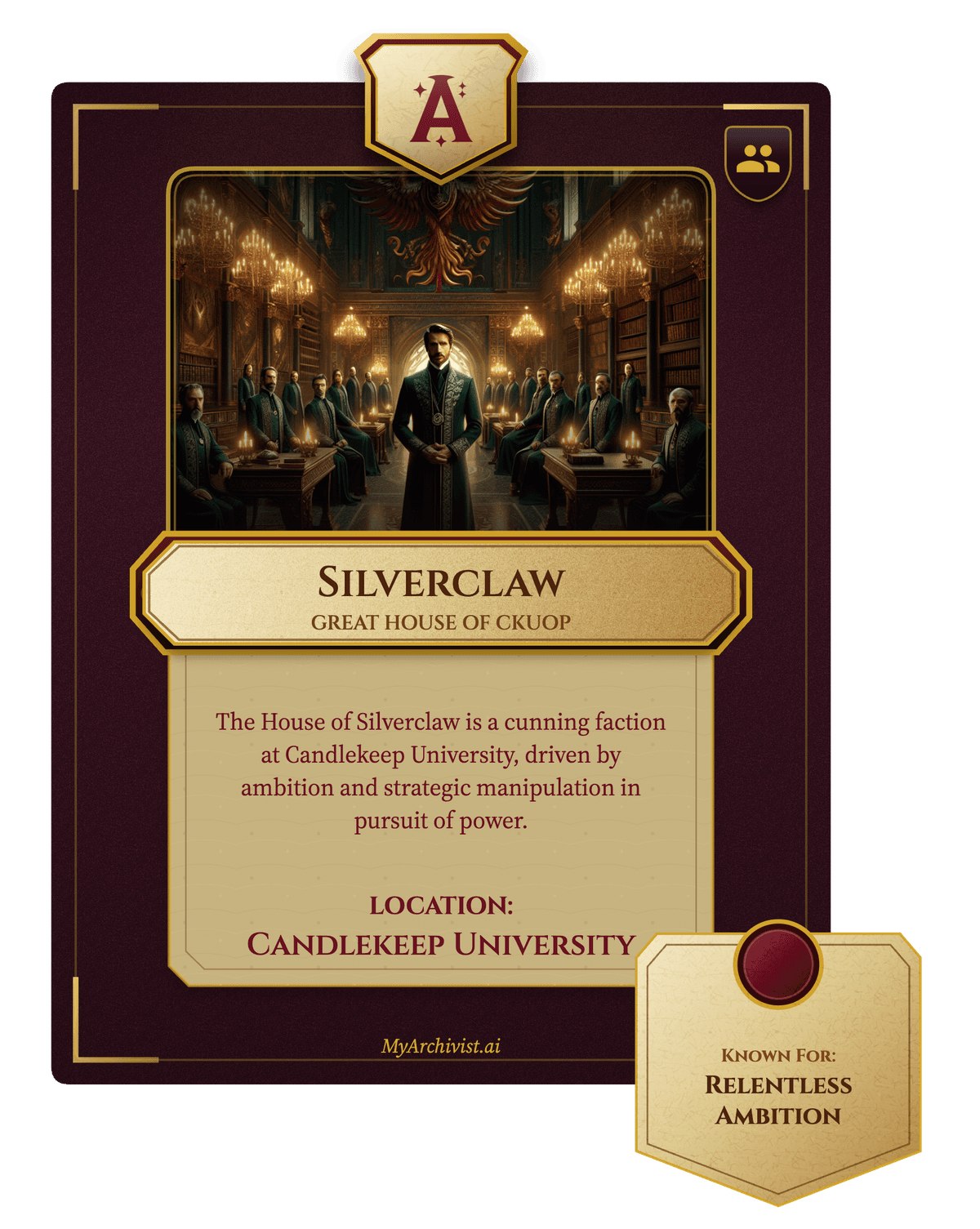
Parchment
FAQ
Do I have to design the card myself?
No. The card's name, stats, and description are seeded from details you've already recorded for that entity. Edit anything before you share, but you never start from a blank card.
What entities can I create a Digital Trading Card for?
Any character, item, location, or faction in your campaign. Each one just needs an image to use as the card portrait.
How do I share a finished card?
Publish it to the Archivist website, download it as a high-resolution image, or post it directly to social media from the app.
Is this available to everyone, or just certain plans?
Everyone. Every plan — Casual, Seasoned, Pro, Legend — and the free trial get the same full feature set, Digital Trading Cards included. Nothing on Archivist is gated behind a higher tier.
Related Docs
Step-by-step usage: Digital Trading Cards documentation. Broader context: features page.