
How Archivist Works
In about 10 minutes, you receive recaps, entities, and highlights from your session. Less admin, more story.
1. Create Your Campaign
Name your campaign, choose your TTRPG system (any system), and add your party.
2. Log Your Session
Six ways to get a session into Archivist—pick what fits your table.
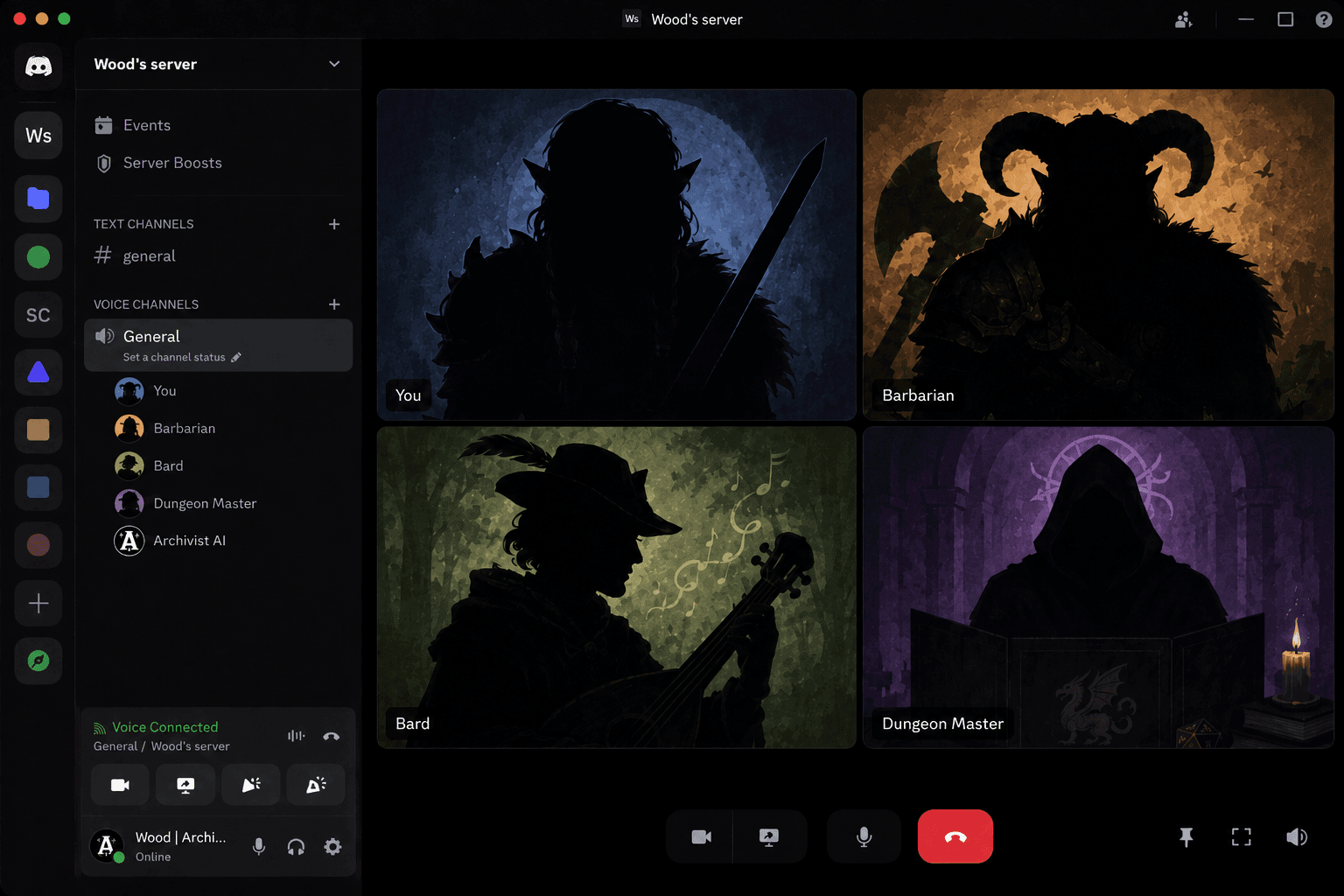
Discord Live
Connect Archivist to your Discord server and record your sessions in real-time. We will automatically transcribe and organize your campaign notes.
Bonus Feature
Ask Archivist, your dedicated campaign chatbot, seamlessly integrates with your Discord server.
Audio Upload
Upload a single mixed recording, mapped with cast voice profiles, or separate multi-track files—one per speaker, no voice profiles needed.
Audio upload guide · Supported formats
Single Mixed Track
Set up a short vocal fingerprint per cast member — party, NPCs, and the DM's different characters — and every session attributes automatically.
Vocal fingerprint setup →Multi-Track
Record each player on a separate mic, then upload the files and assign each to a cast member.
Multi-track setup →Play In-Person? Record at the table on your phone or mic, then upload as a single file. In-person guide
Play by Post via Discord
Already running a text-based campaign? Import your existing Discord chat history directly into Archivist.
Raw Notes
Import your prior session raw notes—copy/paste, Markdown files, or Google Drive access—to get Archivist caught up fast.
Transcript Upload
Import your existing session transcripts directly into Archivist.
Supported formats
Journals
Store campaign knowledge that isn't derived from sessions—world lore, prep, homebrew content, and reference material. Journals start private and unlock through explicit sharing controls.
Ask Archivist can use journals for prep and lore questions.
3. View Your Results
About 10 minutes after you log a session, Archivist finishes processing.
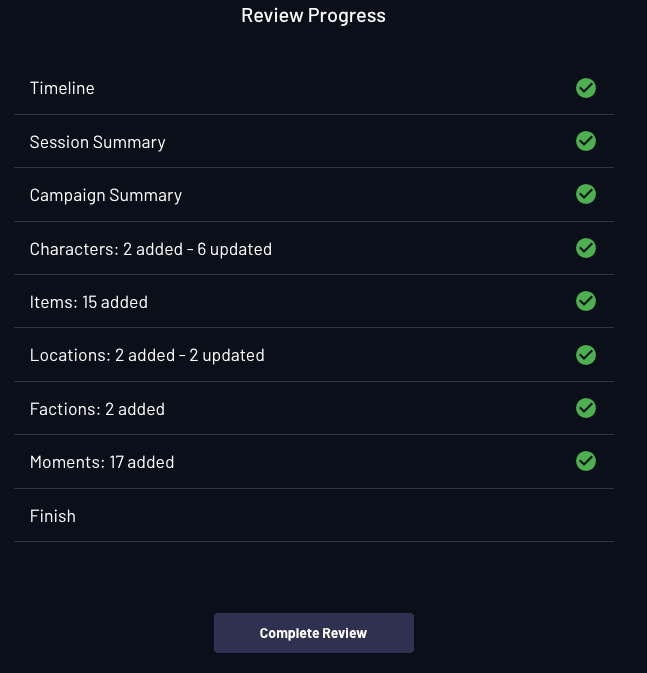
- SummariesSession and campaign recaps you can tune
- EntitiesCharacters, locations, factions, and items
- HighlightsKey moments from the session
Keep logging sessions—your searchable campaign history grows with each one. See all features
Frequently Asked Questions
How long does it take to set up my account?
Just minutes! And it's completely free to try—no credit card required. You can start capturing your campaign right away.
How do I catch up my in-progress campaign?
Archivist supports several fast ways to import an ongoing campaign: upload prior session audio files, import text transcripts, have us ingest your Discord play-by-post history, or add your raw session notes and world-lore documents. Mix and match any of these methods and Archivist will stitch everything together into a single, searchable timeline.
Can I mix and match between session types?
Absolutely! Our own group mostly plays on Discord but has occasional in-person games. No matter how you play or how often that changes, your sessions are captured in the same campaign, preserving continuity and keeping your story complete.
Can I customize summary style and tone?
Yes. In campaign settings you can customize summary styles and tone to match your campaign's flavor—no need to set this up before your first session.
Can I personalize the Ask Archivist chatbot?
Yes. Personalize your Ask Archivist chatbot in campaign settings so it fits your world and table. It also integrates with Discord when you connect your server.
How do I add my party and character details?
When you create a campaign, you can add your adventuring party and character details anytime from campaign settings. Sharing and member permissions are available when you're ready to collaborate.